
Name-Based Case Searches
Open the live Kansas Case Search application and accept the public-access terms. Set the court to District and pick Osage in the county field. For a person, type the last name, a comma, then the first name. Partial matches work with an asterisk. The tip asks for at least three letters of the last name. It also wants one letter of the first. A Business Name needs at least four characters.
Go broad first. A middle name, date of birth, case category, or filing-date range can sort out similar parties, though stacking several filters at once may hide the right match. Typing a city name does not replace choosing Osage as the county. The district dropdown lists one Osage choice; there are no separate Lyndon or Osage City district divisions.
- Accept the portal terms and select District.
- Choose Party Name, Business Name, or Party As Business Name.
- Enter the term in the format shown by the portal tip.
- Select Osage and add only useful filters.
- Complete the human check, then select Search.
Osage County Portal Field Order
The form runs in a fixed order. Court decides whether you are searching a Kansas district or appellate case. Search Type changes what the input expects. Search Term carries the name, number, or citation. County shows up for district searches. Additional Search Filters open case category, date of birth, and filing dates. Pass the human check, and the disabled submit control turns into an active Search button.
| Field | Use | Osage search note |
|---|---|---|
| Court | District or Appellate | Choose District for Osage trial cases. |
| Search Type | Name, number, business, or citation | Match the type to the term. |
| County | District-court location | Select the single Osage option. |
| Case Type | Category filter | Criminal, Civil, Family, or Probate or Mental Health. |
| File Dates | Narrow by filing period | Record the range used. |
| Human Check | Enables Search | Complete it after setting the criteria. |
The official Smart Search entry link redirects into the current service.
Save both the official entry and the live address. Older district pages still call the service Smart Search.
Case Number Searches
A full number is the sharpest Osage County docket search term. Post-conversion records carry the county prefix, a four-digit year, a case-type code, and a six-digit sequence, like OS-2026-CR-000123. Some older converted matters drop the OS and lead with the year, like 2020-CV-000123. The portal's own tip requires a four-digit year. When a number has no county code, select Osage yourself.
For an older matter, search twice if needed. Enter the number as printed on the document. Then try the format the official Smart Search instructions describe. Keep every leading zero in the six-digit sequence. A valid number may still return nothing. The cause may be a portal limit, a restricted case, a pre-Odyssey document gap, or a mistyped case code.
Note: A citation number is its own Search Type. Enter it in full rather than forcing it into the case-number field.
Osage County Search Terms
Party Name, Business Name, and Citation Number each take different input rules, and mixing them up is a common cause of empty results. Match the format to the Search Type you chose. Reset wipes both criteria and results, which helps before switching from a person search to a business or citation search.
- Party Name
- Use Last Name, First Name. An asterisk permits partial matching.
- Business Name
- Enter at least four characters, with an asterisk for a partial name.
- Party As Business
- Uses the party-name style while treating the party as a business.
- Citation Number
- Enter the complete ticket or citation identifier.
- DOB
- An optional date field for distinguishing people with similar names.
Search terms should tie to a known case or a genuine effort to follow public court activity. Do not gather unrelated party details. When you need a result for a filing or an appearance, note the exact criteria and the search date so a clerk can reproduce the problem.
Case Search Results Explained
Kansas defines case information narrowly. It means the number, case type, participants, attorneys, assigned judge, hearing dates, and public events where available. The court records themselves are the filed documents behind those entries. A result can confirm an Osage County case exists. It does not show the petition, motion, order, exhibit, or judgment. An empty document list does not prove the file is empty.
| Case Number | The court's identifier, including county, year, type, and sequence when shown. |
|---|---|
| Case Type | The category used to route and describe the matter. |
| Participants | Public party names and roles where access permits. |
| Attorneys | Public counsel information associated with the case. |
| Assigned Judge | The judicial officer shown in the current index. |
| Events | Public filings, settings, and actions listed in sequence. |
| Hearing Dates | Scheduled events that should be checked against the current calendar. |
A portal screen is not a certified court record. Name the exact document and ask the Clerk of the District Court for certification. The Osage County court case records page walks through the document-request process.
Osage County Portal Versus Kiosk
The Kansas district-court records page separates the remote portal from the public courthouse terminal. Both show public information. The terminal, though, can hold public material that web search cannot reach. The Smart Search instructions point to a courthouse kiosk. That kiosk specifically serves converted documents from the case-management system used before Enterprise Justice Odyssey.
| Access point | Best use | Key limit |
|---|---|---|
| Kansas Case Search | Remote public case and event lookup | Not every public document appears online. |
| Osage courthouse kiosk | Public documents omitted from remote search | No sealed records and no bulk distribution. |
| District clerk | Current setting, copy, and custodian questions | Staff cannot give legal advice. |
| Written request | A specified ordinary or certified document | Copying, redaction, and fees may add time. |
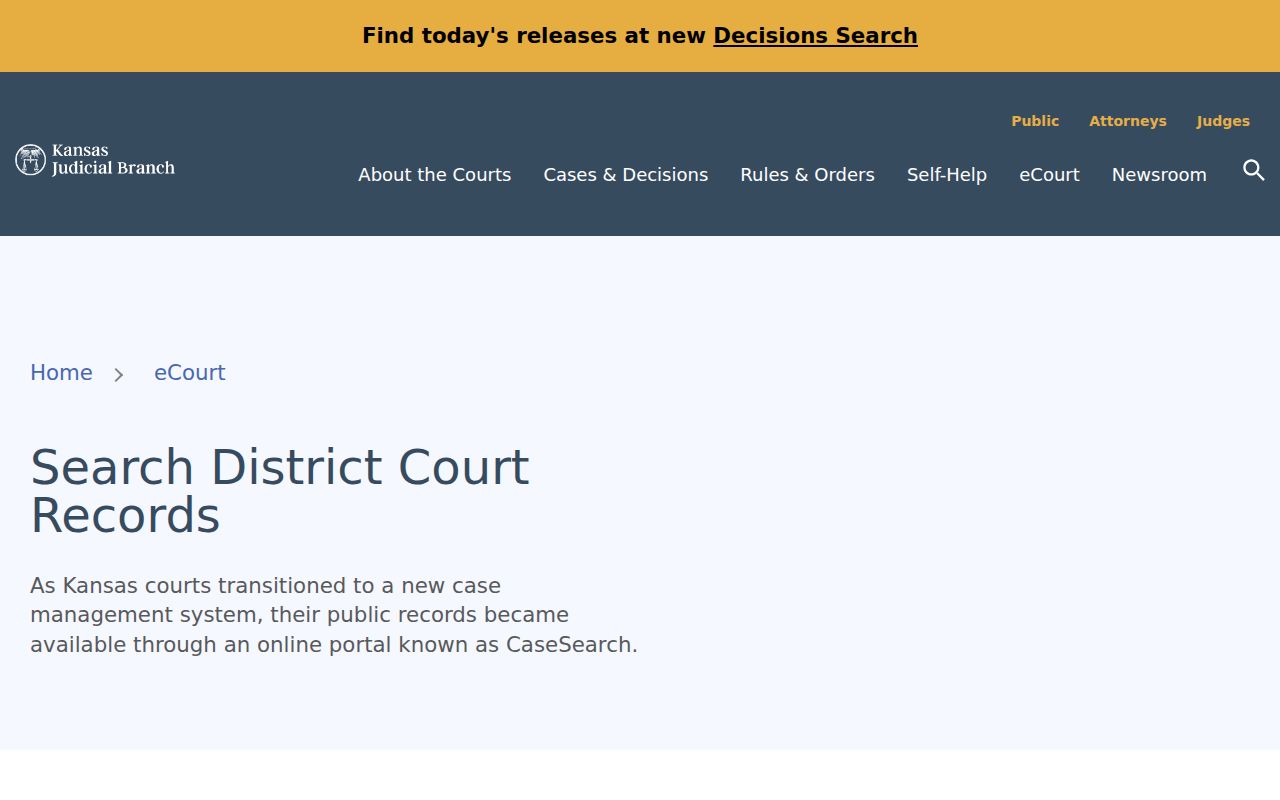
The linked district-records source shown in the image states the portal-versus-terminal distinction.
The Osage public terminal sits in the courthouse in Lyndon. Before traveling, call the clerk records line at 785-828-4514 when the case involves a restricted category or a needed copy.
Two Ways to Search: County and State
Two tools cover an Osage County court docket search, and each does a different job. Kansas Case Search serves as the statewide public layer. Pick Osage in its county control to limit results. The Fourth Judicial District fills in the county-specific pieces, including calendar PDFs by judge, clerk contacts, and direct courthouse access. Use the portal when you want a public case and its events. Use the district calendar for upcoming settings. The clerk and the courthouse kiosk cover what remote access leaves out.
Municipal cases sit on a separate branch. A ticket written under a city ordinance in Osage County belongs to that municipal court clerk. Only a lawful process moves it into district court. Choosing Osage in the portal does not pull city dockets into the results. When the notice names a municipal court, start with the issuing city.
Quick distinction: “Osage” is the district-court county filter. Lyndon, Osage City, Carbondale, Overbrook, and Burlingame municipal matters remain with their city courts.
Search Older Osage Cases Twice
One date explains most trouble with older Osage County court records. At 12:01 a.m. on November 2, 2020, the Fourth Judicial District made a switch. It moved to the centralized Enterprise Justice Odyssey system. Two gaps followed. Older numbers may lack the OS prefix the newer format uses. Converted documents from the prior system may also be missing from remote web search. Public copies of those documents sit at the courthouse terminal.
The official Smart Search instructions, dated September 10, 2025, keep that warning in place. They add that certain juvenile-offender, domestic, guardianship, and guardianship or conservatorship documents stay off web search. Public material may still exist at the kiosk. The conversion date does not make every later filing public. It promises no same-day indexing either.
When an older case shows up with no documents, work the problem in order. Try the number in both formats. Check the case category. Then use the kiosk or ask the clerk. That sequence beats deciding the filing never existed.
Which Cases Stay Restricted
Remote access runs into hard limits. Kansas Supreme Court Rule 22, statutes, court orders, and case law set them. Sealed and expunged records stay closed even at the courthouse kiosk. Child-in-need-of-care records carry confidentiality protection under K.S.A. 38-2209. Juvenile-offender court files and social files follow K.S.A. 38-2309. Domestic, guardianship, and related documents can be excluded from the web portal. Even then, the courthouse allows some public access.
The Fourth Judicial District's case-information page says outright that divorce, visitation, support, and paternity information is not available through its online route. It sends you to the local courthouse instead. A Family filter in the portal therefore promises nothing for an Osage domestic record. When a placeholder appears sealed or a name is missing, do not decode it through outside sources.
Access rule: The courthouse terminal can fill some web-access gaps, but it does not override a seal, confidentiality law, or court order.
No Osage County Search Match
An empty result calls for a short troubleshooting pass. Confirm that Court is set to District, County is Osage, and Search Type matches your term. Check commas, spelling, leading zeros, the four-digit year, and the OS prefix. Strip optional filters one at a time. If the form resets, complete the human check again. A municipal citation is different; stop searching the district docket and contact the issuing city.
- Retry the exact full case number.
- Try the older or newer Osage number format.
- Run a properly formatted party-name search.
- Remove case-type and date filters that may be too narrow.
- Check the judge calendar for a known setting.
- Use the Lyndon kiosk or call the district clerk.
Never wait on a portal entry when a setting is time-sensitive. Ask the clerk or your counsel to confirm the current docket. Clerk staff may locate public case information and explain process, but they cannot interpret the case, predict an outcome, or recommend a legal step.